

After fumbling around with several build tools to ease web development, I have found the one that ticks all the boxes. Let me introduce you to Vite.





While Snowpack believes bundling to be optional, and allows usage of webpack or rollup as a plugin in the production build step, Vite takes a more holistic approach and hence excels in both development and production.
If you are tired of the slow dev speed of Webpack or Rollup, Vite or Snowpack are the way to go. They don't entirely replace Webpack or Rollup, rather they work symbiotically.
While Snowpack takes the trophy for being faster in development stage, Vite is a more well rounded build tool and speeds up both development & production stage. I use Snowpack for theme dev, but I would prefer Vite for end to end development including theme dev.
I have mentioned Snowpack as fastest development tool. But it seemed unstable at times, and also doesn't support CSS bundling out of the box. And setting up Rollup with Snowpack was a pain in the buttocks. See: Vite Compared with Snowpack.
Why can't we have a build tool that does both, and without much verbosity of configuration?
Coincidentally, I came across this tweet by Svelte Society and knew I had to give Vite a try.
Want to use with Svelte, but not ready to jump into SvelteKit?
— Svelte Society (@SvelteSociety)
The official @vite/create-app now has blazing fast svelte and svelte-ts templates hot off the press!
thanks to for their constant tireless work 🔥 https://t.co/Fc9Nnv9Vgs

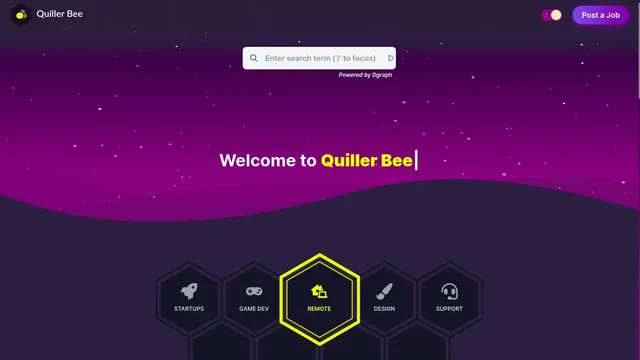
So I converted my Rollup powered repo to Vite, and the result has been phenomenal. (I haven't deployed the Vite version to production yet, but it can be run in local if you want to check it out.)
 quillerbee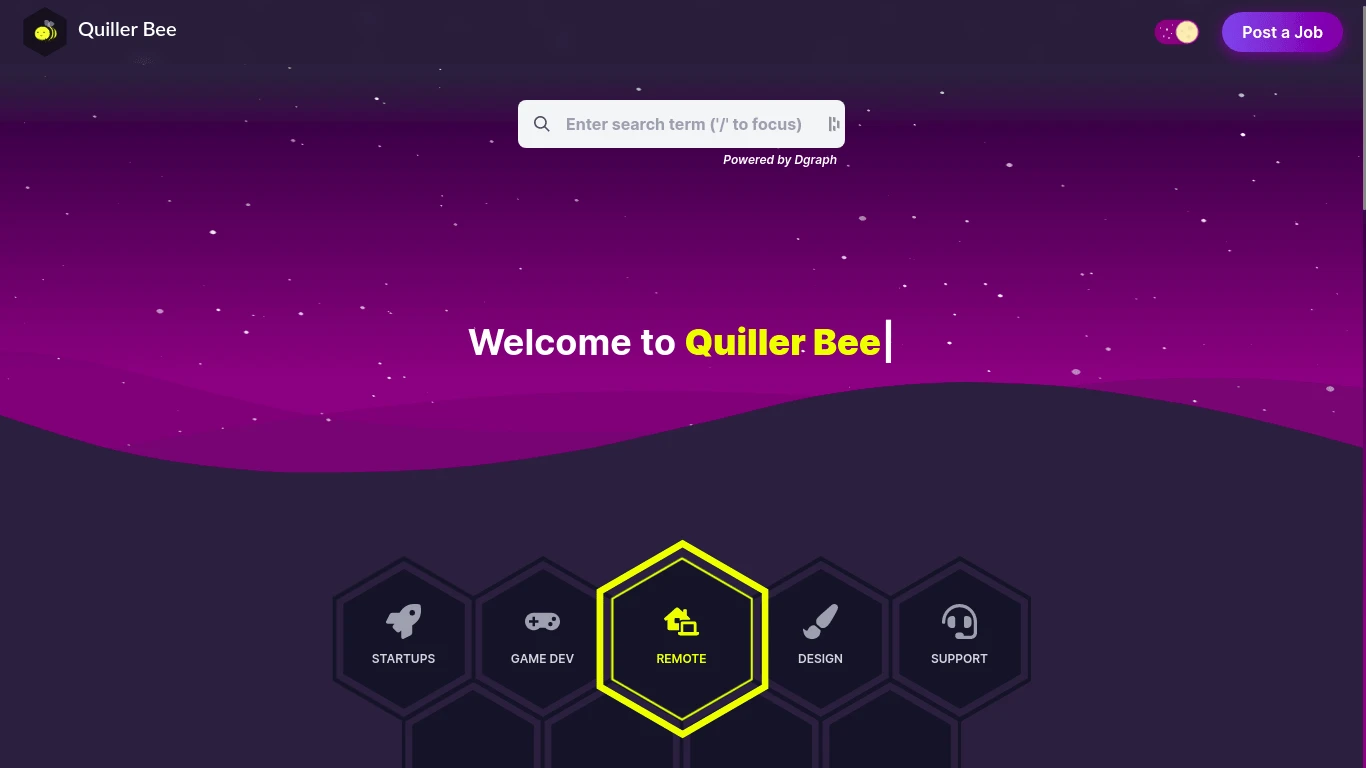
Also, stick to the end for a Starter Template I made with Vite.
Having said that, Here's the list of features that makes Vite an all-rounder build tool:
Features
1. Dependency


Vite pre-bundles dependencies using esbuild. (Esbuild is written in Go and pre-bundles dependencies 10-100x faster than JavaScript-based bundlers)
Vite's dev serves all of the dependencies as native ESM, by converting dependencies that are shipped as CommonJS or UMD into ESM first.
Then Vite converts ESM dependencies with many internal modules into a single module to improve subsequent page load performance.
This happens everytime a new dependency is introduced, so we will notice a bit of delay, but every subsequent change to our source code, doesn't lead to Vite rebuilding the entire immutable dependency list. Hence no matter the size of the project, the development experience won't slow down, unlike Rollup or Webpack.
Finally, Vite caches the pre-bundled dependencies & resolved dependency requests are strongly cached with HTTP headers in the browser. Which Vite serves, only upon request.
Also Vite works without a hitch with PNPM, which is revolutionary, compared to what yarn did.
pnpm
N.B. Don't add space in enclosing folder names, while doing dev build with Vite as of now. Also if dev build fails after including a library, then add that library to the exclusion list, like so:optimizeDeps:{exclude:["@roxi/routify"]}, invite.config.js.
2. Hot Module Replacement
After experiencing HMR & Fast Refresh feature of Snowpack, I didn't want to go back. But I had no choice because the official starter by Svelte didn't have a production worthy Snowpack version ready. (I mean Svelte Kit, before their switch to Vite.)
So I settled for the Rollup default starter, and had to endure the most sluggish web development experience.
Earlier I suggested Snowpack for fast theme development, because of it's much faster dev build speed (<15ms). So, I designed the mockup for Quiller Bee using Snowpack for speed, and did the integration in the Rollup powered repo. See: Mockup for Quiller Bee.
But as you can guess, switching between two repos is not ideal. Having a lightweight repo for initial design is great, but after pieces have fallen into place it would be great to directly be able to modify a pop up and immediately see the result with HMR.
Vite is not a slug by any means, and it can keep up with Snowpack, if not lead in the speed department (<300ms). After moving my Rollup only build environment to Vite, I don't have to keep going to my mockup repo to design new functionality.
Also, In Vite, HMR is performed over native ESM so it won't slow down overtime like it does with HMR in bundle based build tool like Webpack or Rollup!
3. Native TypeScript & JSX
I don't really like TypeScript or JSX, but for those who do, you would be delighted to know it's supported natively, just like Snowpack does.
Vite supports importing .ts files out of the box. Although, Vite only performs transpilation on .ts files and does not perform type checking. (It assumes type checking is taken care of by your IDE and build process.)
Vite uses esbuild to transpile TypeScript into JavaScript which is about 20~30x faster than vanilla tsc, and HMR updates can reflect in the browser in under 50ms.
Same goes for JSX.
N.B. Vite uses ESM, which is a modern browser feature, so you should use a modern browser for development. See: Can I Use?
4. Svelte Support
With support for many great frameworks, I can't imagine not using Vite. And now that Svelte initialization is added to the Vite CLI, using Svelte has never been easier!
You will be surprised to see little to no verbosity in configuration to make Svelte work.
Also Svelte Kit moved from Snowpack to Vite recently, and until Svelte Kit is ready, I decided to create a minimal, no fluff starter kit for my usage and thought I would share it with everyone.
quillerbee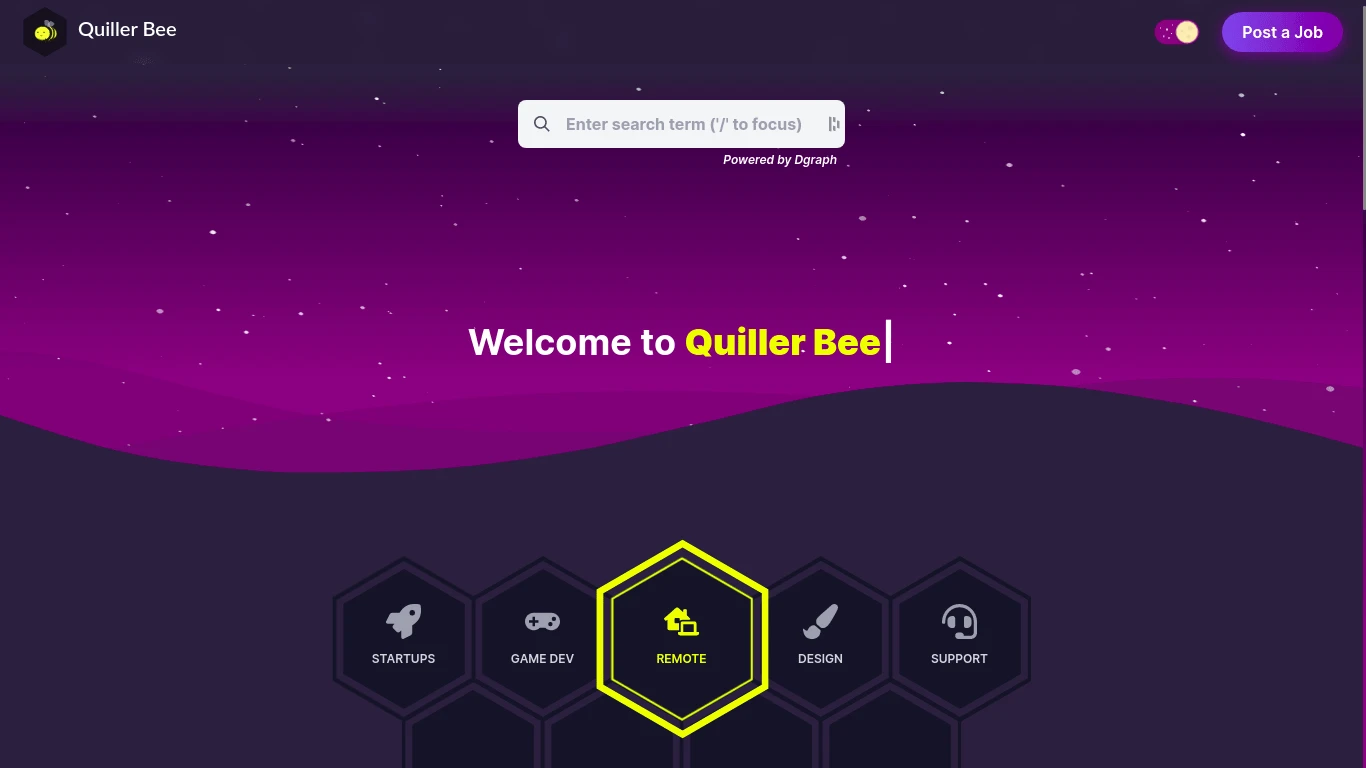
5. CSS
PostCSS was a breeze to setup, because if the project contains valid PostCSS config it will be automatically applied to all imported CSS. And we all know how important PostCSS is, during modern web development. (It handles unused style clean up, to minifying to providing backwards compatibility & cross browser support!)
Vite also provides support for CSS preprocessors, like SCSS, SASS, LESS, although there's subtle instruction that needs to be followed. See: CSS Pre-Processors Doc.
And to my surprise, the new Tailwind CSS Just-In-Time worked really well from development to production in Vite. (It didn't work well when I used Rollup, while making a production build!)
It's easy to add Tailwind CSS, or anything you can think of, to Vite:
pnpx svelte-add tailwindcss --jit- See: Svelte Add for up to date information.
- See: Svelte Adders for more such awesome integrations.
With that said, if you are not aware of the awesomeness of Tailwind CSS 2's Just-In-Time Feature, I suggest you look at the YouTube video embedded above.
6. Static Assets & Misc Imports
Images, SVG, JSON, WASM, Web Worker, GLSL Shader, you name it and Vite can import it. See:
- Static Assets Handling
- JSON Import
- Web Assembly Import
- Web Worker Import
I remember adding several plugins to be able to do the same with Rollup but now, it's a child's play.
7. Rollup
Vite uses ESbuild for development, and Rollup for production as it is more mature.
Rollup has won my heart over Webpack long time ago. ESM based build tools however have shown me what is possible, in terms of speed and how much time we were wasting waiting for builds to finish.
While Rollup is a bad choice during development, it is useful during production because:
- It builds faster compared to Webpack.
- Rollup rocks in Tree-shaking, Lazy-Loading, Chunk Splitting department.
- Minifying of JavaScript, CSS & other Resources is a breeze.
- I loved making Plugins with Rollup, which Vite embraced. See: Universal Plugin API.
- It's much more stable and mature.
8. Config
What makes Vite an awesome build tool, is that it ships with a pre-configured build command that bakes in many performance optimizations out of the box keeping both development & production in mind, which I prefer over figuring out what else is there to add to the project to make it better.
It's easy to remove functionality rather than adding them. Like removing brotli size logs, or removing hashing. Which in turn results in quick Netlify deployment, and faster builds as unnecessary functions gets disabled.
Also Vite makes it easy to access Environment Variable, out of the box.
Vite exposes env variables on the special import.meta.env object. Some built-in variables are available in all cases:
import.meta.env.MODE: {string} the mode the app is running in.import.meta.env.BASE_URL: {string} the base url the app is being served from. This is determined by thebaseconfig option.import.meta.env.PROD: {boolean} whether the app is running in production.import.meta.env.DEV: {boolean} whether the app is running in development (always the opposite ofimport.meta.env.PROD)
Checkout Modes for even powerful use cases beyond the binary option of production or dev. For instance, you can provide different endpoints in different modes the application operates in. Like a production database url in production, while a staging database url in staging.
9. Plugins
vitejs
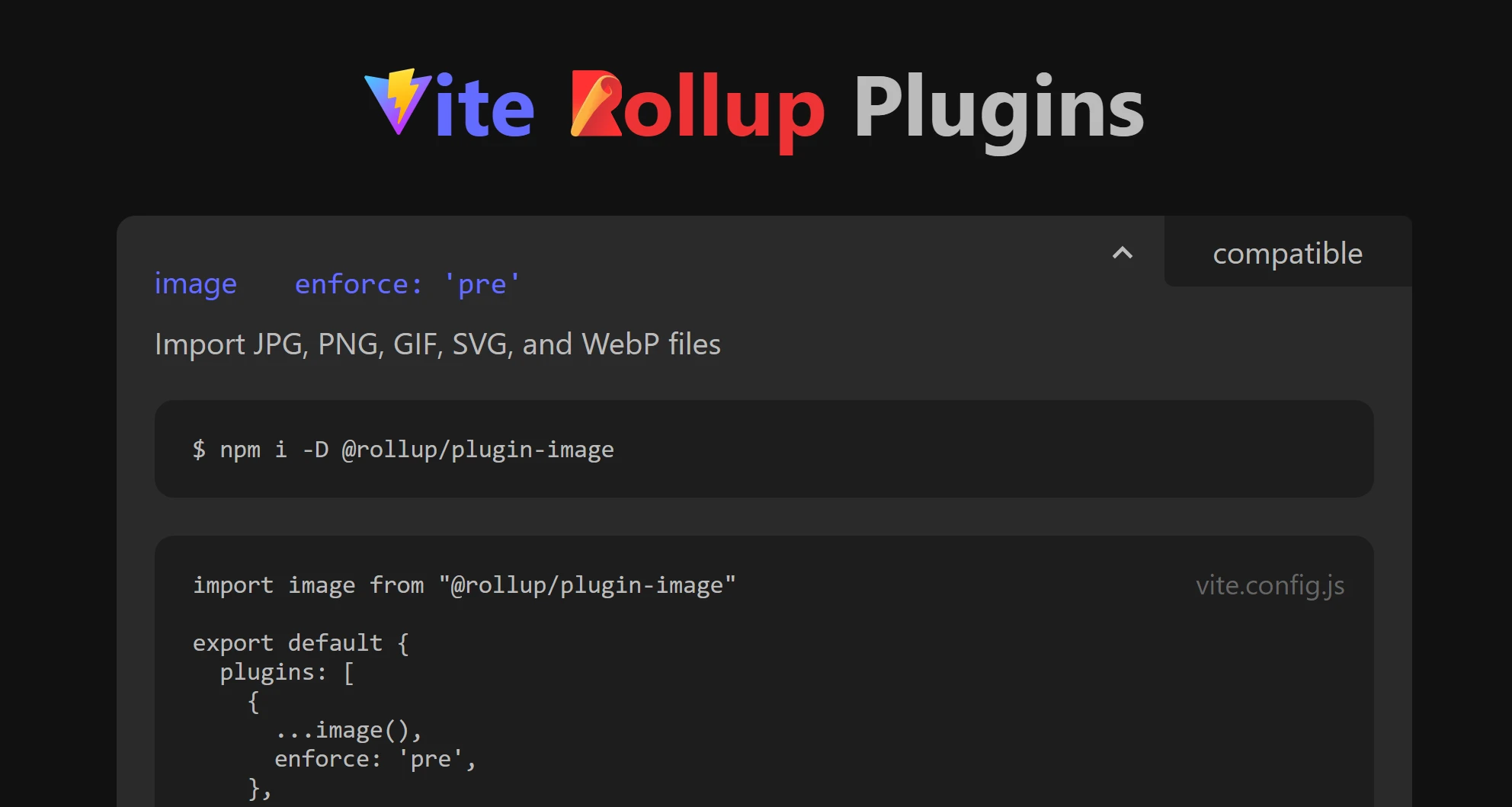
With support for Rollup plugins, and Rollup plugin like interface, we can expect to use already existing plugins that will work in both dev & prod.
For instance, the vite-aliases plugin, just won my heart, as I prefer file structure based route and path discovery compared to declarative or config based. (i.e. Unlike Rollup Plugin Alias.)
For Rollup Plugin compatibility with Vite, checkout:
10. CSS Code Splitting
*CSS* codesplitting is a very tricky problem, that we were solving with our own post-Snowpack build step. Vite does it automatically, along with manifest generation (also fiddly), and has other important features like sourcemap support
— Rich Harris (@Rich_Harris)
CSS code splitting is one of the reason Svelte Kit adopted Vite.
Vite automatically extracts the CSS used by modules in an async chunk and generate a separate file for it. The CSS file is automatically loaded via a <link> tag when the associated async chunk is loaded, and the async chunk is guaranteed to only be evaluated after the CSS is loaded to avoid FOUC.
What it means, is that if a user visits first page of the site, a ginormous CSS bundle isn't dropped at their browser's feet to pickup. Rather they are served with small chunks of CSS, the way JavaScript is served.
N.B. If your server isn't serving your website with at least HTTP/2 protocol, CSS code splitting will slow your site down rather than speed it up!
11. Asset Hashing
In this day and age, if a build tool comes with no hashed output, out of the box, can they be considered Production ready?
Vite not only hashed the bundled CSS & JS, it also hashed the static assets like images kept in the source folder!
With Vite I didn't have to figure out a way to add hashing to bundled files, instead I had to figure out how to prevent hashing to optimize the build for Netlify, as Netlify does the versioning for us using Etag. See:
 fool
fool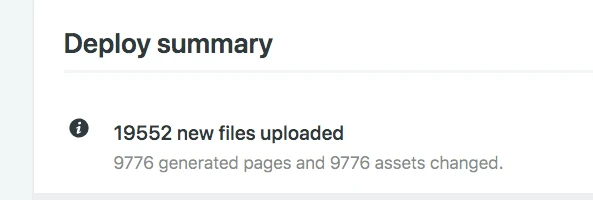
If you are also using Netlify, here's how to disable hashing:
build: {
  brotliSize: false, // To Speed Up Build
  rollupOptions: {
    // Disabled Hashing as Netlify Does Hashing for us using Etag.
    output: {
      entryFileNames: `assets/[name].js`,
      chunkFileNames: `assets/[name].js`,
      assetFileNames: `assets/[name].[ext]`,
    }
  }
}N.B. Please move the static assets like images to public folder, so that the hash for them is not generated by Vite. The above Config doesn't work on assets placed inside source folder.
12. Deployment

Deployment is damn easy, just do a production build and follow along the instructions to deploy to any hosting service in their respective website or see Vite documentation linked below.
You will also notice a significant improvement in deployment speed, as you might notice in the screenshot above of the Netlify dashboard. With Rollup, deployment used to take over a minute, but with Vite it dropped down by more than half!
Beginner Friendly Deployment Example:
To deploy to GitHub pages, provided you already have a public repo setup or a paid private repo, all you have to do is:
npm run buildpnpx gh-pages -d dist
gh-pages will take the output build folder, and push it to a branch called gh-pages in remote origin, and GitHub will host your website.
For a comprehensive list, of how to deploy to various services, checkout:
Conclusion
I know that the changing landscape of JavaScript tooling & framework can be too much to keep up with, but the least we can do is try.
So, I created a starter template using Vite, Svelte, Tailwind CSS and Routify, for you to try. (i.e. until Rich Harris realizes his dream of, "Manic Pixie Dream Framework", Svelte Kit)
quillerbeeThe starter doesn't have any SSR support, because I believe SSR to be overkill for people tight on budget, making POCs, or just working on a hobby project.
N.B. It took me 5+ attempts to get this starter to work. After raising 3 tickets in 3 repos and scouring through Reddit, until I finally figured out the issue in using Routify with Vite.
As of now, I am using a non SSR approach to build Quiller Bee & once Svelte Kit hits version 1, I will port the application and experience what SSR has to offer. (Perhaps I will have some revenue by then to be able to afford server side rendering!)
And for those who don't mind using experimental technology, can give Svelte Kit a try:
 Rich Harris Tue Mar 23 2021
Let me know your thoughts down in the comments below.
- Best Of
- Reviews
- Web Development
- #JavaScript




Leave a Comment